
Safeguarding
Online Gaming Safety: Who Can Contact Your Teenager?
In this guide
Your teen might join an online game to play with two school friends. Depending on the settings, they could also hear other players in the lobby, receive a private message after the match or get a friend request from someone they’ve just played with. Open the settings together and see which of those contacts the account allows.
Start with one game they play regularly. Ask, “Can you show me where people can talk to you while you’re playing?” That gives your teen a chance to explain how they use the game, and it shows you what to check first.
Check Voice Chat, Private Messages and Friend Requests
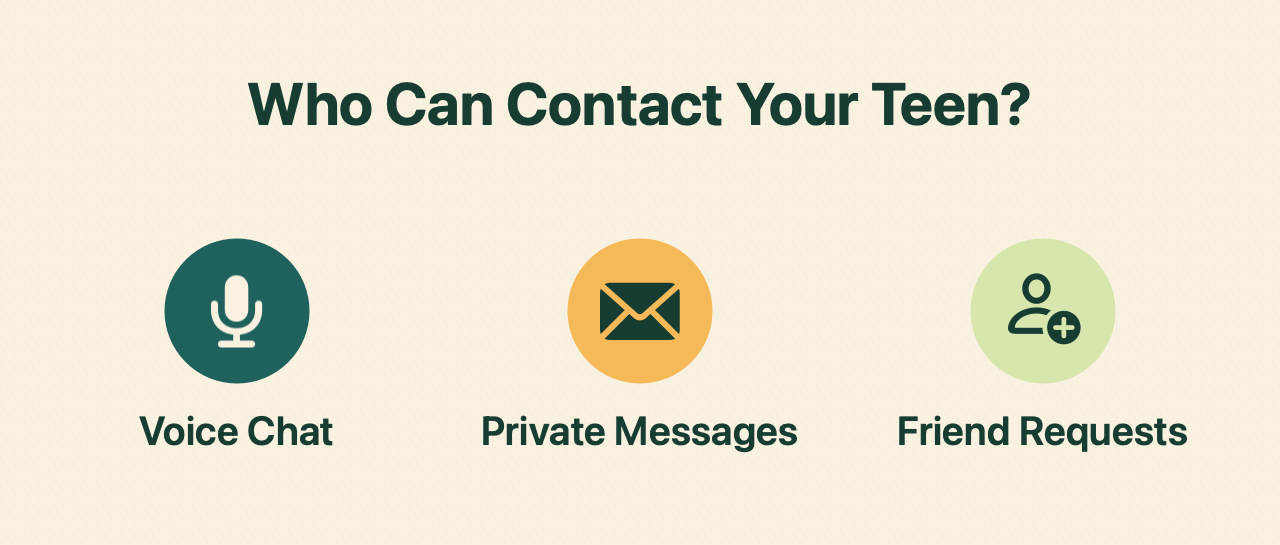
- Voice chat: Who can speak to your teen or hear them? Check whether chat includes everyone in the match, only the invited group, or nobody. If the game has public text chat, check that setting too.
- Private messages: Who can message your teen directly, including after a match? Check whether messages from people outside their friends list can be limited or turned off.
- Friend requests: Who can send a request, and how does your teen decide whether to accept it? Look through the current friends list together if your teen is comfortable doing that. Agree on what to do with a request from someone they only just met in a game.
Settings vary by game and platform. If your teen uses console party chat or a separate chat app, check those controls too. Australia’s eSafety Commissioner recommends agreeing with your child on who they can contact, which features they can use, and how communication will be supervised. eSafety guidance on multiplayer games · eSafety guide to game settings and parental controls
Agree on How Your Teen Can Stay Part of the Team
Ask your teen which conversations help them enjoy the game. They might need to talk to two friends to agree when to move, or they might be happy using the game’s map markers or an agreed ready signal. See what options the game and the group allow, then agree on a setting that works for your family. Our article on helping autistic teens take part in team sessions shows how a group can agree on ways to communicate, with options for players who prefer a message or an in-game signal.
Try one practical check: ask your teen to show you who can join their usual group chat and where they would go to mute a player. Revisit the agreement when they start playing a new game or join a different group.
Make a Plan for Unwanted Contact
Talk through an example: someone your teen just played with asks to move the conversation to a private app and says to keep it secret. Your teen can leave the chat, decline the request and tell a trusted adult. Requests for personal details or pressure to keep contact secret are other reasons to step away and ask for help. eSafety’s warning signs of unsafe contact
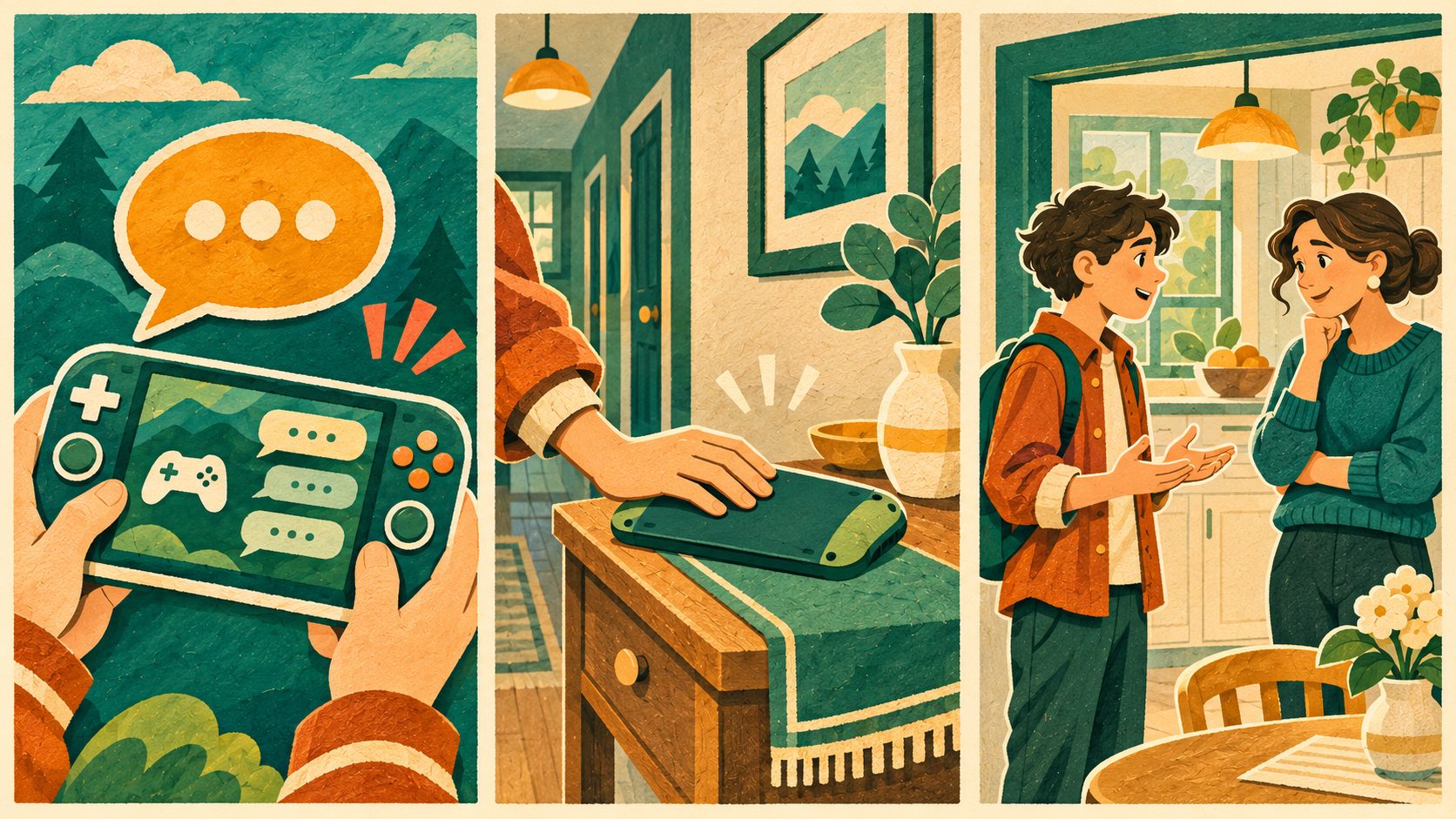
Show your teen how to mute, block or report a player on the platform. If they tell you something happened, try, “I’m glad you told me. What would help you feel safer right now?” Listen first and help them decide what to do next. eSafety advice on speaking up during online play
What to Ask Before Joining an Esports Session
If your teen wants to join a club or a coached session, ask three questions before they start. Who can join the group chat? Can players contact one another outside the session? Who should your teen tell if someone crosses a line? Ask the provider to explain what those rules look like during a session. For more questions about choosing a programme, see what parents can check before joining.
Explore another topic